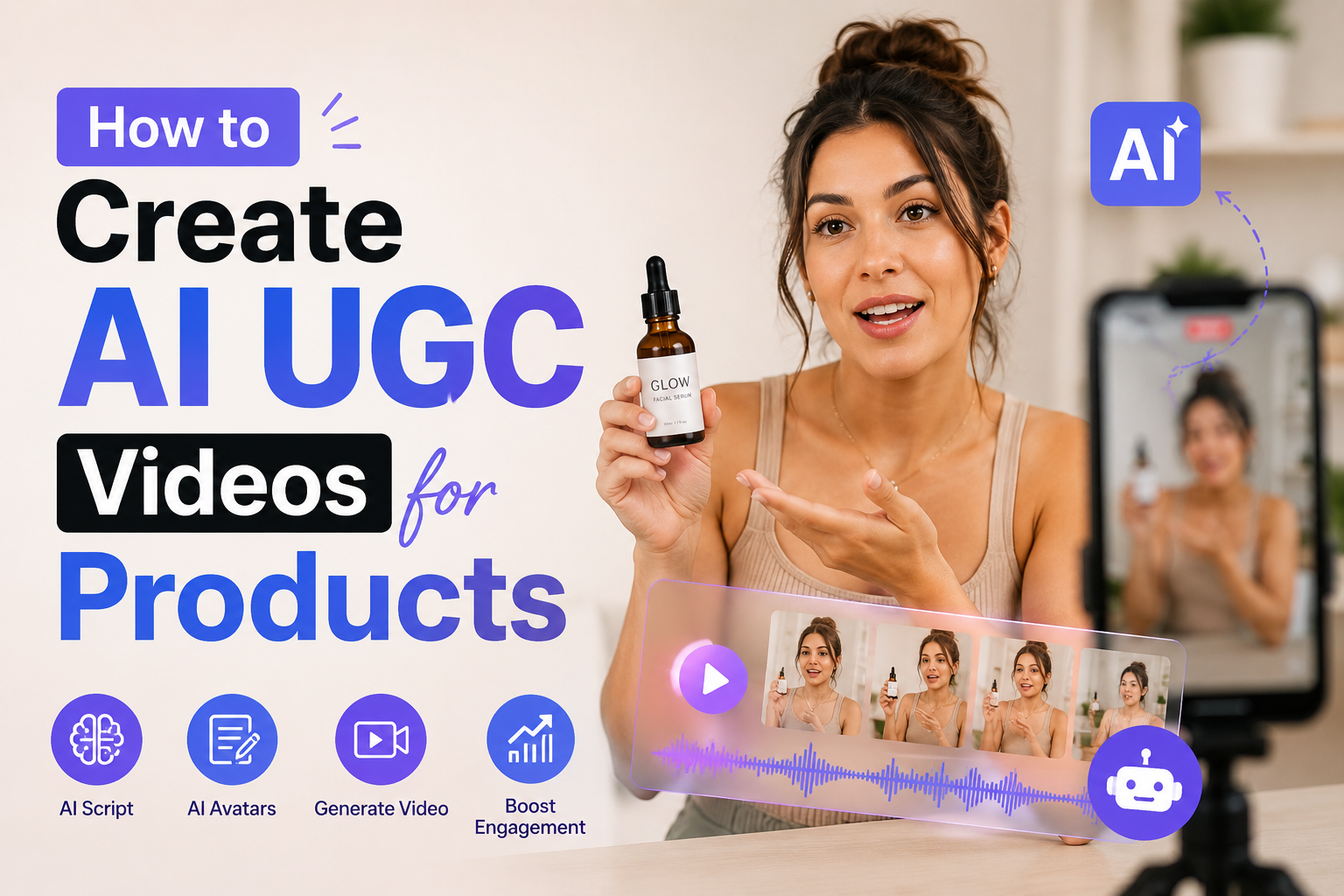
A few months back, I was helping a friend launch a skincare brand on a very tight budget. No influencer connections, no content team — just the two of us and a Canva subscription. She needed product videos, the kind that feel authentic and “unboxingy,” the kind TikTok and Instagram Reels algorithm actually rewards. We couldn’t afford a single UGC creator. So I started poking around with AI-generated UGC video tools, half-expecting trash results.
What I got instead surprised me enough to write this whole post about it.
AI UGC (user-generated content) videos are promotional product clips that look like they were filmed by a real person — a casual creator holding the product, talking about it in their bedroom or kitchen. Except no real person made them. An AI avatar, AI voice, and a smart script did all the work. Brands are using these at scale now, and once you understand how the workflow actually flows, it’s genuinely accessible even without a video production background.
Here’s exactly how I learned to do it, including the missteps along the way.
Why brands are turning to AI UGC
Real UGC creators charge anywhere from $150 to $800+ per video, depending on their niche and platform following. Add revisions, licensing, turnaround delays, and the occasional creator who disappears mid-campaign — and it gets expensive and stressful fast.
AI-generated UGC sidesteps most of that. You can produce a video in under an hour, tweak the script freely, swap the avatar, test five different hooks, and do it all without a single email to an influencer. For a small brand testing what messaging works before investing real money in paid creators, it’s genuinely a smart starting point.
“We ran three AI UGC ads in one week to test which angle converted — skincare benefits, ingredient story, or unboxing vibe. The winning angle informed our whole influencer brief later.”
That’s the move. Use AI UGC to test fast, then scale what works with real creators if budget allows.
The tools actually worth using
I’ve cycled through a lot of these. Here are the ones that held up during real projects:
You don’t need all of these at once. For a basic workflow, HeyGen (or Arcads) + Claude for scripting + CapCut for final polish is more than enough to produce solid videos.
The step-by-step process I actually use
Start with the hook, not the script
This is where most people waste time — they write a full script first, then the hook feels tacked on. Instead, write 5–8 hooks first. A hook is the opening line, the thing that plays in the first 1–3 seconds. Try angles like “This product fixed something I didn’t even know was broken,” or “I almost returned this, and then I used it.” Test hook lines before you even open your video tool.
Write the script in spoken, conversational language
The biggest tell that an AI video is AI-generated? The script sounds like a product description, not a person talking. Write the way someone would actually speak — contractions, short sentences, maybe a little hesitation built in. “So basically what this does is…” reads way more naturally than “This product delivers a comprehensive solution to…” Use an AI writing tool to generate options, then rewrite them to sound human.
Pick an avatar that matches your product’s vibe
Platforms like HeyGen and Arcads offer dozens of pre-built avatars. Don’t just pick one randomly — think about your target customer and who they’d trust. A clinical skincare product probably doesn’t need a skateboarding-aesthetic avatar. A supplement brand targeting gym-goers should go for someone who looks like they actually work out. Spend 10 minutes here; it’s worth it.
Generate your avatar video
Paste your script into HeyGen or Arcads, select your avatar, choose the voice, and hit generate. Most platforms take 2–8 minutes to render. Download the output and watch it at least once before doing anything else — check for weird mouth movements, pacing that feels too robotic, or script moments that land awkwardly in audio.
Layer in product visuals in CapCut
This is where the video starts to feel real. Import your avatar clip, then add your product shots as B-roll overlays — show the product being used, zoomed in on packaging, or displayed in lifestyle settings. Add captions (CapCut auto-generates them), some light background music, and any on-screen text callouts. Keep it under 60 seconds for most platforms.
Export and test on the platform natively
Always upload natively to TikTok, Instagram Reels, or wherever you’re posting — don’t cross-post from one platform to another, since the algorithm favors native uploads. Post at least 3 different hook variations to figure out what actually gets watched past the 3-second mark. Let the data tell you which creative to scale.
What nobody tells you about AI UGC
After running dozens of these across a few different brands, here’s the stuff I had to learn the hard way.
The script is 80% of the result
Seriously. A great script on a mediocre avatar beats a beautiful avatar reading a boring script every single time. I’ve seen janky-looking AI videos outperform polished ones purely because the hook was sharper and the benefit language hit harder. Invest the most time here.
Authenticity signals still matter
Even AI-generated UGC benefits from “rough edges.” A slight imperfection in the background, a natural pause, a slightly off-center composition — these things make the video feel less produced and more human. Some tools let you add noise or camera movement. Use them. The too-perfect look is the dead giveaway.
Don’t sleep on the CTA
Most creators forget that the call to action at the end of a UGC video needs to feel as natural as the rest of the script. “Click the link in bio to get yours” is tired. Try something like “I’ll link it below — seriously, just check it out” or “They sent me a code, it’s in the comments.” Conversational CTAs consistently outperform formal ones in my experience.
Common mistakes to avoid
- Using the default voice without listening first. Some AI voices have a rhythm that sounds fine reading normal text but weird when reading casual spoken phrases. Always preview before you finalize the script-voice combo.
- Making the video too long. I’ve seen brands try to cram 90 seconds of features into an AI UGC video. Nobody is watching 90 seconds of an avatar talk about your product. Aim for 20–45 seconds for paid ads; up to 60 for organic.
- Using the same avatar every time. Audiences experience ad fatigue — even with AI-generated faces. Rotate avatars across your creative set to keep things feeling fresh.
- Skipping the disclosure question. Platform rules around AI-generated content are still evolving. When in doubt, adding a small “AI-generated” label builds trust rather than damaging it. Most audiences are surprisingly okay with it when brands are upfront.
- Treating every product the same. A high-trust purchase like a supplement or financial tool needs a more educational, benefit-driven script. An impulse buy like a novelty product can go straight for entertainment and humor. Match the creative style to the buying decision.
A real example from my friend’s skincare brand
We made six AI UGC videos in a single afternoon for her launch week. The hook that worked best? It wasn’t about ingredients, skin benefits, or even the brand story. It was: “I’ve been using this for three weeks and I genuinely forgot I had the thing that was bothering me before.” — vague, curiosity-driven, and relatable.
That single hook got a 4.2-second average watch time in the first 3 seconds, which on TikTok is actually strong. Her conversion rate on that ad was triple the other five videos combined. We rebuilt her whole content strategy around that emotional angle.
We spent about $40 total on HeyGen credits and CapCut Pro for the month. A real UGC creator would have charged $400+ for the same volume of content. I’m not saying AI replaces real creators — authentic human content still has a warmth that AI hasn’t fully cracked — but as a starting point or a testing layer, the ROI is hard to argue with.
Quick start recommendation: Sign up for a free HeyGen account, write three different hook scripts using Claude, generate one avatar video per hook, and post them over three days. See which one gets watched past 10 seconds. That’s your creative direction — built for under $20 and a few hours of your time.
Where this is all heading
The tools are improving fast. A year ago, lip-sync was noticeably off and avatar movements were stiff. Now, the best outputs are genuinely hard to spot at normal viewing speed. Within the next year, we’ll probably see real-time avatar generation and full personalization — AI UGC videos that automatically adapt the script to the viewer’s demographics.
The brands that start figuring out this workflow now will have a serious creative advantage when the tools get even better. The learning curve is mostly in the scripting and creative strategy — the tool side is relatively easy once you’ve run through it a couple of times.
So if you’ve been waiting for the right moment to try AI UGC videos for your product, this is it. Start scrappy, test aggressively, and let the data tell you what’s working. That’s exactly how my friend’s skincare brand grew its ad creative library from zero to 30 videos before she’d sold a single case.
Got questions about a specific product type, platform, or tool in this stack? The process looks a bit different for physical products versus digital goods, and for paid ads versus organic content. Happy to dig into any of those in the comments.